Today I’m rebranding the Tama-Toledo Community Visioning (CV) site to Hometown Action Team (HAT) and adding Pagefind.
When doing so I get this build error…
Warning: Running in pre-1.0 compatibility mode.
Pagefind 1.0 changes the default output directory from /_pagefind/ to /pagefind/
but references to the /_pagefind/ URL were found on your site, and the output directory is unconfigured.
To preserve your setup, the search files have been written twice, to both /_pagefind/ and /pagefind/
To remove this warning, either update your script and style references to the new /pagefind/ URL
or run Pagefind with --output-subdir _pagefind to ensure pre-1.0 behaviour
It’s deja vu all over again. My timeline module doesn’t work with the current rendition of https://blog.SummittDweller.com and I can’t figure out what’s broken. So, I’ve resurrected my old personal blog project and updated with the meager content it was missing. That project has a working timeline but no Pagefind search, yet.
So, how might I ONCE AGAIN approach combining Hugo with Pagefind in the cloud? Well, A Powerful Blog Setup with Hugo and NPM* by Tom Hombergs looked like a promising place to start. The process that Tom advocates leverages a neat little package called hugo-bin.
So, node and npm are maybe not “all the rage” these days, but they do the job nicely for me.
So, how might I ONCE AGAIN approach combining Hugo with Pagefind in the cloud? Well, A Powerful Blog Setup with Hugo and NPM* by Tom Hombergs looked like a promising place to start. The process that Tom advocates leverages a neat little package called hugo-bin.
*The links provided above and below are to a Wayback Machine capture of the original post.
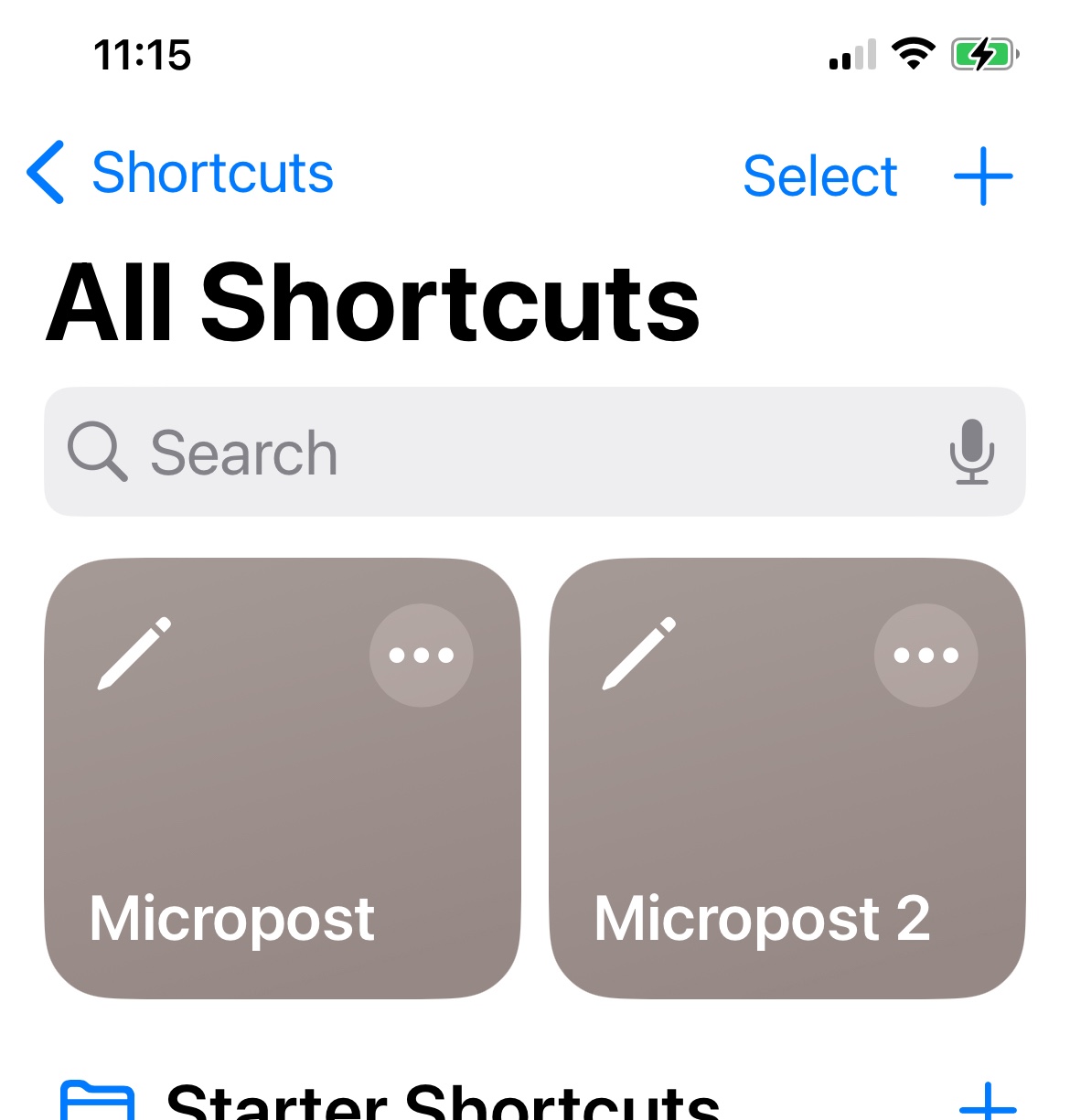
For as long as I can remember I’ve been looking for, or building and using, a workflow that would let me create quick and simple microposts for this blog using my iPhone. I want that workflow to automatically record my location (in the form of a city/town reference) and date/time. With the help of my daughter, Mackenzie, I’ve had workflows that used Working Copy and iOS Shortcuts to get this done, but I never really understood the entire process and over time it broke down and I was unable to repair it. It’s time to revisit those pieces and I’m going to follow, and document here, the steps and components presented in Post to Eleventy from iOS with Drafts, Shortcuts and Working Copy. The only change I anticipate will be pointing the workflow at this Hugo blog rather than an Eleventy one, and those differences should be minimal and manageable.
Take note of the question mark at the end of the title, otherwise it could be somewhat misleading. This is not really a problem with Hugo, but one with cloud deployment of Hugo static apps, particularly as an Azure Static Web App.
The Nutshell
As you may know from post 143, I have successfully installed and configured Pagefind in Rootstalk, but thus far it only works locally. When I try to deploy Pagefind to the cloud, specifically as an Azure Static Web App, I can’t make it work because there’s no apparent way to invoke the necessary npx pagefind... command AFTER Hugo compiles the site, but BEFORE the site gets deployed. Azure leverages GitHub Actions to build Hugo sites, but that process also involves some custom/proprietary Azure scripts. Therein lies the problem.
I ran into a big road block with implementation of Pagefind in Rootstalk today… everything works fine in development, but I can’t easily deploy to Azure because there’s no way to “inject” Pagefind into an Azure Static Web App build before the “public” content gets deployed. I can generate the Pagefind parts after deployment, but that does me no good.
Tomorrow I need to have a look at my Rootstalk DigitalOcean deployment to see if what I already have might work there (DO uses a build script that I can add an npx... command to). If that fails I need to look back at https://www.blogtrack.io/blog/powerful-blog-setup-with-hugo-and-npm/ to see if there’s a solution there for me.
What follows is an excerpt from this blog’s README.md file.
I’ve successfully added the code to drive a new /timeline page as part of this blog, but I did so “locally”, and now I’d like to repeat the process but using the aforementioned SummittDweller/hugo-timelinemodule.